
AI Tutorials for Photoshop, Lightroom & Firefly
Learn the AI tools in Photoshop, Lightroom, and Adobe Firefly: Generative Fill and Expand, Firefly models and partner models like Nano Banana, Harmonize, Generative Upscale, Reference Image, AI masking, Denoise, and assisted culling. About 90 free and PRO video tutorials from Aaron Nace on what each tool does well and where it falls short.
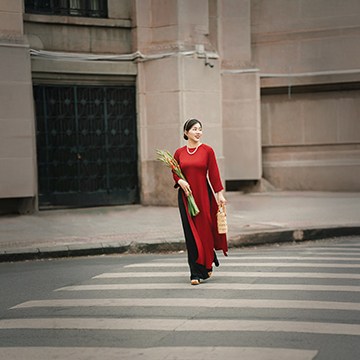
Photoshop on iPhone is a real editor now. Remove distractions, widen the frame, brighten the subject and add a vignette without touching a desktop.
Photoshop | AI & Generative Tools | Easy | 15 mins | 1 video
1 Sample Image | 1 PDF Guide

Adobe Firefly now generates video from a text prompt and from images you upload. Learn the settings that matter and how to write a prompt it can follow.
Adobe Firefly | AI & Generative Tools | Easy | 30 mins | 1 video
2 Sample Images | 1 Sample Video | 1 PDF Guide
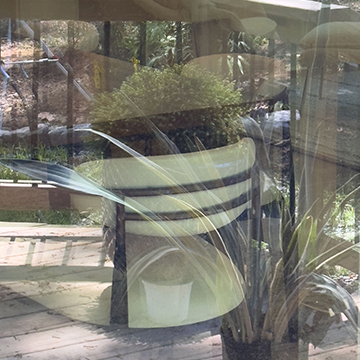
Remove Reflections in Adobe Camera Raw works on raw files only. Enable it in Technology Previews, then expect a good start rather than a finished result.
Photoshop | Object Removal & Cleanup | Easy | 15 mins | 1 video
2 Sample RAW Files | 1 PDF Guide

Adaptive presets read the photograph first. Lightroom finds the sky, the subject or the background itself, then applies the preset only to that part.
Lightroom | AI & Generative Tools | Medium | 15 mins | 1 video
1 Sample Image

Denoise in Lightroom rewrote a twenty-year rule about ISO. It only works on raw, it makes a new DNG, and the amount slider matters more than you expect.
Lightroom | AI & Generative Tools | Medium | 15 mins | 1 video
1 Sample RAW File

Lens Blur simulates a fast lens after the fact, and it works on the first click most of the time. The refinements are for when the depth map gets it wrong.
Lightroom | Photo Effects | Medium | 15 mins | 1 video
1 Sample Image

The Remove tool in Lightroom Classic does the boring part of retouching for you. Paint the object, let it generate, then refine what it got wrong.
Lightroom | Object Removal & Cleanup | Medium | 15 mins | 1 video
1 Sample RAW File
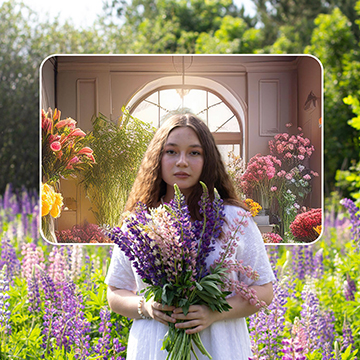
How to use the Frame Tool in Photoshop: build a frame from any shape, fill it with a photo, move frame and image separately, then add a stroke.
Photoshop | Text & Graphic Design | Easy | 15 mins | 1 video
2 Sample Images | 1 Sample PSD | 1 PDF Guide

How to straighten and expand a crop in Photoshop: level the horizon with the Crop and Straighten tools, then rebuild the empty corners with Generative Expand.
Photoshop | Tools & Techniques | Easy | 15 mins | 1 video
2 Sample Images | 2 Sample PSDs | 1 PDF Guide
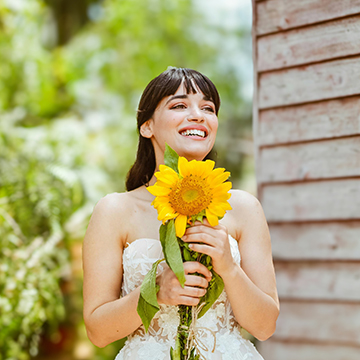
How to use the Lens Blur effect in Photoshop: convert to a Smart Object, open the Camera Raw Filter, set the focal point yourself, then refine the hair edges.
Photoshop | Photo Effects | Medium | 15 mins | 1 video
1 Sample Image | 1 Sample PSD | 1 PDF Guide
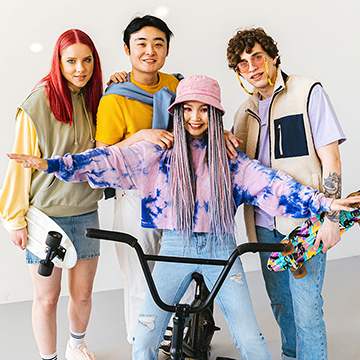
Discover Photoshop 2025! This tutorial will get you up to speed with the latest features and tools. We’re even including a handy PDF guide with all the info you need on system requirements and credit usage.
Photoshop | New Features | Medium | 45 mins
8 Sample Images | 7 Sample PSDs | 1 PDF Guide
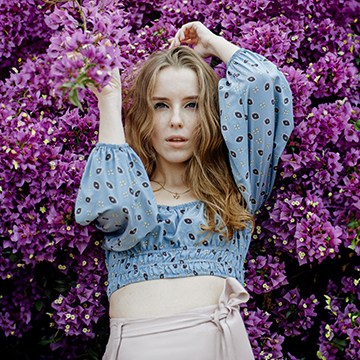
How to expand aspect ratios in Photoshop: set the Crop Tool to the ratio you need, position the frame, then let Generative Expand fill the new edges.
Photoshop | AI & Generative Tools | Easy | 15 mins | 1 video
2 Sample Images | 2 Sample PSDs | 1 PDF Guide

Learn how to get rid of distractions in complicated situations using AI and manual techniques. This tutorial even shows you how to streamline your workflow with a Photoshop Action!
Photoshop | Object Removal & Cleanup | Medium | 2 hours
9 Sample Images | 2 Sample PSDs | 1 Frequency Separation Action

Generative Fill vs Clone Stamp vs Spot Healing Brush: what each one actually does to your pixels, where each fails, and which to reach for first.
Photoshop | Object Removal & Cleanup | Easy | 15 mins | 1 video
1 Sample Image | 1 Sample PSD | 1 PDF Guide

How to use the Generative Workspace in Photoshop: generate in Fast mode, run several ideas at once with Variables, and sketch the layout as a composition reference.
Photoshop | AI & Generative Tools | Easy | 15 mins | 1 video
1 Sample PSD | 1 PDF Guide
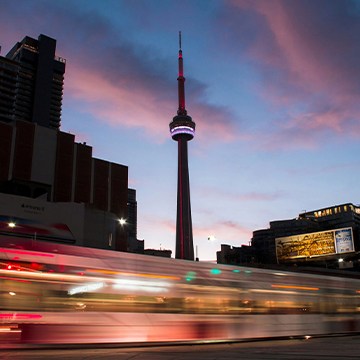
How to use the Remove Tool in Photoshop: run Find Distractions for wires and people, brush the rest away, and keep Generative AI enabled for better fills.
Photoshop | Object Removal & Cleanup | Easy | 15 mins | 1 video
3 Sample Images | 1 PDF Guide
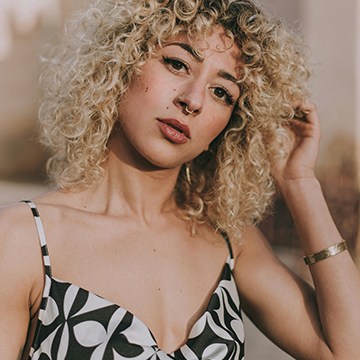
How to remove tattoos using AI in Photoshop: select slightly wider than the tattoo, run Generative Fill with an empty prompt, then check the skin texture.
Photoshop | Retouching | Medium | 15 mins | 1 video
1 Sample Image | 1 Sample PSD | 1 PDF Guide

How to change a background using AI in Photoshop: Remove Background, generate a new scene from a prompt, then keep the real floor with the hybrid method.
Photoshop | Compositing | Easy | 15 mins | 1 video
1 Sample Image | 1 Sample PSD | 1 PDF Guide

How to add accessories using AI in Photoshop: draw the selection where the item belongs, keep the prompt simple, and put one item on each layer.
Photoshop | Compositing | Easy | 15 mins | 1 video
3 Sample Images | 3 Sample PSDs | 1 PDF Guide

How to color match images in Photoshop with Color Transfer: convert for Smart Filters, load a reference image, then dial the strength back where it actually lives.
Photoshop | Color & Tone | Medium | 15 mins | 1 video
4 Sample Images | 1 Sample PSD | 1 PDF Guide

How to remove people from landscape photos in Photoshop: the Lasso Tool for a few figures, Quick Mask for a crowd, and why painting beats selecting.
Photoshop | Object Removal & Cleanup | Easy | 15 mins | 1 video
2 Sample Images | 2 Sample PSDs | 1 PDF Guide
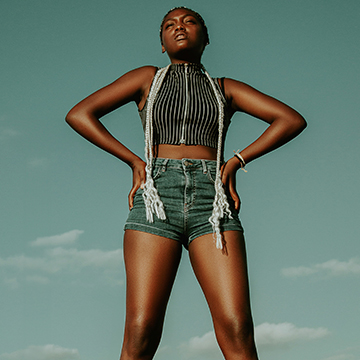
How to use Generative Remove in Lightroom Classic: where to find it, how to get a good mask, how to choose between variations, and what it cannot do.
Lightroom | Object Removal & Cleanup | Easy | 15 mins | 1 video
3 Sample Images | 1 PDF Guide
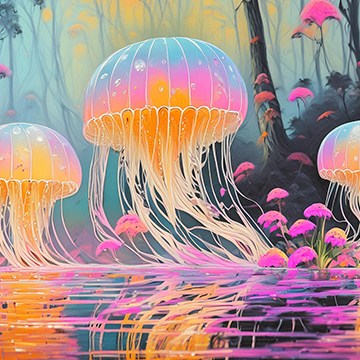
How to generate images from text in Photoshop: start from a blank canvas, steer the result with a reference image, iterate, and generate behind a subject.
Photoshop | AI & Generative Tools | Easy | 15 mins | 1 video
1 Sample Image | 2 Sample PSDs | 1 PDF Guide

How to create artistic effects using AI in Photoshop: make a partly active selection in Quick Mask, set the fill value, then let Generative Fill paint over it.
Photoshop | Photo Effects | Easy | 15 mins | 1 video
4 Sample Images | 4 Sample PSDs | 1 PDF Guide

Transform your Generative Fills with the new Enhance Feature in Photoshop Beta! We’ll show you how to remove objects, expand backgrounds, and achieve crisp detail, all with the magic of AI.
Photoshop | AI & Generative Tools | Easy | 15 mins | 1 video
1 Sample Image | 1 Sample PSD | 1 PDF Guide
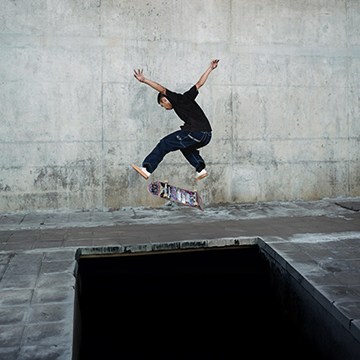
How to use Generate Similar in Photoshop: generate something, pick the variation closest to what you want, then ask for more like that one.
Photoshop | AI & Generative Tools | Easy | 15 mins | 1 video
1 Sample Image | 1 Sample PSD | 1 PDF Guide

How to use reference images with Generative Fill in Photoshop: upload the reference, keep the text prompt, and swap references without starting over.
Photoshop | AI & Generative Tools | Easy | 15 mins | 1 video
1 Sample Image | 1 Sample PSD | 1 PDF Guide

How to remove distractions from portraits using AI in Photoshop: an empty Generative Fill prompt, a slightly wider selection, and matching texture and grain.
Photoshop | Object Removal & Cleanup | Medium | 15 mins | 1 video
3 Sample Images | 3 Sample PSDs | 1 PDF Guide
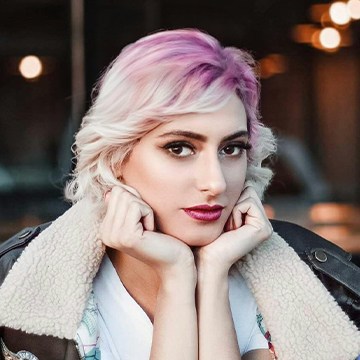
How to change hairstyle using AI in Photoshop: clear the old shape first so Generative Fill has room, then generate the new cut and color.
Photoshop | AI & Generative Tools | Easy | 15 mins | 1 video
4 Sample Images | 4 Sample PSDs | 1 PDF Guide

How to change clothes using AI in Photoshop: where to put the selection boundary, why a short prompt beats a long one, and how to fix problem areas.
Photoshop | AI & Generative Tools | Easy | 15 mins | 1 video
4 Sample Images | 4 Sample PSDs | 1 PDF Guide

Unlock the secrets of portrait retouching in Photoshop! Learn classic methods and leverage AI for smooth skin, subtle enhancements, and stunning results.
Photoshop | Retouching | Medium | 1.5 hours
9 Sample Images | 9 Sample PSDs

How to create animated GIFs in Photoshop: isolate the product, generate several backgrounds, commit each to its own layer, then build frames in the Timeline.
Photoshop | Video & Animation | Easy | 30 mins | 1 video
1 Sample Image | 1 Sample PSD | 1 PDF Guide

Master image compositing! Learn to blend photos, match light & color, and create stunning composites with AI and traditional tools.
Photoshop | Compositing | Advanced | 3.75 hours
17 Sample Images | 8 Sample PSDs

How to clean up studio backdrops in Photoshop: remove seams and creases with Generative Fill, extend the backdrop with Generative Expand, then refine with masks.
Photoshop | AI & Generative Tools | Easy | 15 mins | 1 video
6 Sample Images | 6 Sample PSDs | 1 PDF Guide

How to use Generative Expand in Photoshop: drag the crop past the edge of the frame to take one photograph out to any aspect ratio, and recrop at any time.
Photoshop | AI & Generative Tools | Medium | 15 mins | 1 video
4 Sample Images | 3 Sample PSDs | 1 PDF Guide
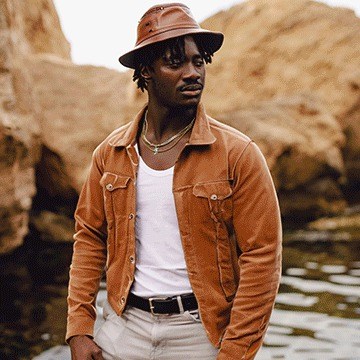
Tap into the power of AI photo editing! Learn how to expand images, remove objects, replace backgrounds, create artistic effects, retouch photos and more.
Photoshop | AI & Generative Tools | Advanced | 2.5 hours
33 Sample Images | 33 Sample PSDs
What You’ll Learn
AI tools change every few months, and not every update is worth using. These tutorials test each feature on real photos and show how to combine it with the classic techniques that still give the best results.
- Generative Fill and Expand. Adding, removing, and replacing anything, extending a canvas, and getting usable results instead of random ones.
- Firefly and partner models. Firefly 5, Nano Banana, and Flux in Photoshop, Firefly Boards, and how generative credits work.
- Compositing with AI. Harmonize to match light and color, Reference Image, and Rotate Object for believable composites.
- AI masking and editing. Select Subject, Camera Raw and Lightroom AI masks, Denoise, Lens Blur, and the AI slider.
- Speed in Lightroom. Assisted culling, syncing AI masks across a shoot, and Generative Remove.
Where to Start
Start with How Generative Fill Selections Work in Photoshop, the first day of 10 Days of AI, then The Ultimate Guide to Generative Credits so you know what each generation costs. The PRO course The Ultimate Guide to AI in Photoshop goes deeper on real client-style projects.
Free and PRO Tutorials
Free tutorials are complete lessons, not previews. PRO tutorials go deeper and longer, and they include the sample images, RAW files, actions, and presets used in the lesson so you can follow along on the exact same file. The PRO courses include the original photos, so you can compare your generations to Aaron’s. A PHLEARN PRO membership unlocks every PRO tutorial on the site, including all of the ones in this category.
Frequently Asked Questions
Is Generative Fill free to use?
Generative Fill uses generative credits included with Creative Cloud plans. Standard features use fewer credits than premium partner models; the generative credits tutorial explains how many each feature costs.
Will AI replace manual editing in Photoshop?
Not yet. AI is fast for removing and extending, but hair, edges, skin, and exact color still need manual tools. The tutorials here show where to combine both.
Which AI features are in Lightroom?
Lightroom has AI masking for subjects, skies, and people, Denoise, Lens Blur, Generative Remove, and assisted culling for picking the best shots.
Where to Go Next
Follow AI into Object Removal & Cleanup and Compositing, where it saves the most time. For the newest releases as they ship, see New Features.
10 Days of AI
A free, day-by-day series on every major AI tool in Photoshop and Lightroom.
On This Page
PHLEARN PRO
Every PRO tutorial in this category, with sample and RAW files, plus the full PRO library.