
Export settings are where a Lightroom edit becomes a real file. Learn the settings that matter for print and for web, then save each one as a preset.
Lightroom | Workflow & Productivity | Medium | 30 mins | 1 video
1 Sample RAW File

Lightroom Mobile is not a companion app. It is the same cloud library on a phone, with the same develop controls, and edits sync both ways automatically.
Lightroom | Tools & Techniques | Medium | 30 mins | 1 video
1 Sample RAW File
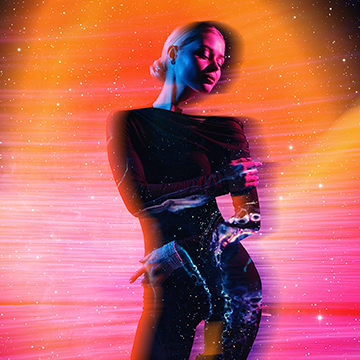
Craft extraordinary surreal portraits, entirely by hand in Photoshop! Discover essential compositing techniques, and as a thrilling bonus, learn how to animate your creations with AI.
Photoshop | Compositing | Advanced | 1.75 hours
21 Sample Images | 5 Sample PSDs
The Lightroom desktop app looks stripped back next to Classic, but very little is actually missing. Albums replace folders and the cloud does the filing.
Lightroom | Tools & Techniques | Medium | 30 mins | 1 video
3 Sample RAW Files
Adobe ships three programs called Lightroom. The real difference is where your photos live, not what the develop sliders can do. Learn which one fits you.
Lightroom | Tools & Techniques | Medium | 15 mins | 1 video
1 Sample RAW File

Lightroom and Photoshop were built to hand work back and forth, but the handoff has options that decide whether your edits survive. Always open as a copy.
Lightroom, Photoshop | Workflow & Productivity | Medium | 15 mins | 1 video
1 Sample RAW File | 2 Sample PSDs

Denoise in Lightroom rewrote a twenty-year rule about ISO. It only works on raw, it makes a new DNG, and the amount slider matters more than you expect.
Lightroom | AI & Generative Tools | Medium | 15 mins | 1 video
1 Sample RAW File
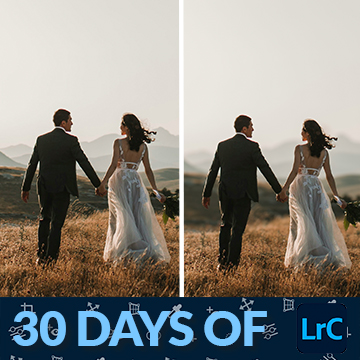
Lens Blur simulates a fast lens after the fact, and it works on the first click most of the time. The refinements are for when the depth map gets it wrong.
Lightroom | Photo Effects | Medium | 15 mins | 1 video
1 Sample Image
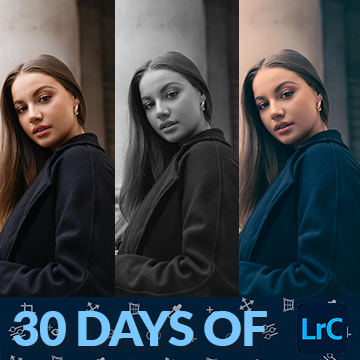
Virtual copies cost nothing on disk and solve the problem of clients wanting more than one version. Each copy carries its own edit, from the same original file.
Lightroom | Workflow & Productivity | Medium | 30 mins | 1 video
6 Sample Images
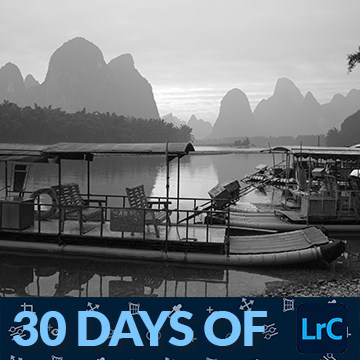
Black and white is not Saturation dragged to zero. Convert properly and the black and white mix lets you decide how bright each original color becomes.
Lightroom | Color & Tone | Medium | 15 mins | 1 video
1 Sample RAW File

Editing food photos is unusually consistent: quiet the background, protect the food, lift it, then add texture. The same recipe works whatever is on the plate.
Lightroom | Photo Editing | Medium | 15 mins | 1 video
1 Sample Image
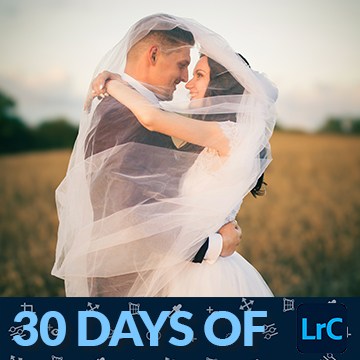
Editing wedding photos has a specific job: warm, a little dreamlike, and the couple unmistakably the subject. Separate them from the background first.
Lightroom | Photo Editing | Medium | 15 mins | 1 video
1 Sample Image
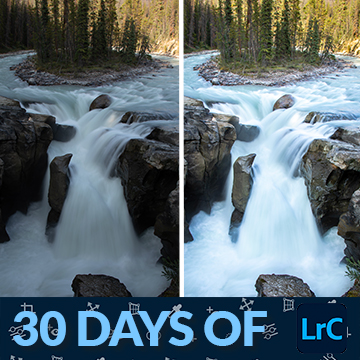
Editing landscapes is about deciding where the viewer should look, then using masks to send them there. Recover the sky first, then build a focal point.
Lightroom | Photo Editing | Medium | 15 mins | 1 video
1 Sample RAW File

Editing portraits has one job: make the viewer look at the face. Quiet the background, shape the light with two radial gradients, then work on the eyes.
Lightroom | Photo Editing | Medium | 30 mins | 1 video
1 Sample RAW File
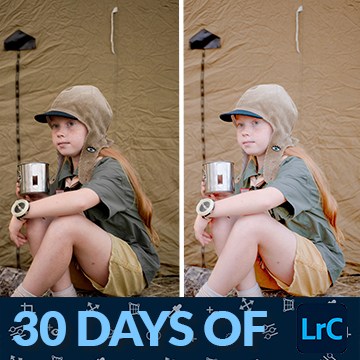
Batch edit photos in Lightroom Classic by editing one properly and syncing the rest. Choose what to sync carefully, because AI masks recalculate per photograph.
Lightroom | Workflow & Productivity | Medium | 15 mins | 1 video
10 Sample Images

RAW vs JPEG is usually explained badly. What matters is which decisions you can still change afterwards: white balance, recovery, and how far you can push.
Lightroom | Tools & Techniques | Medium | 15 mins | 1 video
1 Sample RAW File | 1 Sample JPEG

Save a preset in Lightroom and it can carry far more than the basic sliders. Masks come with it, which is either exactly what you want or a nasty surprise.
Lightroom | Workflow & Productivity | Medium | 15 mins | 1 video
2 Sample RAW Files | 1 Lightroom Preset
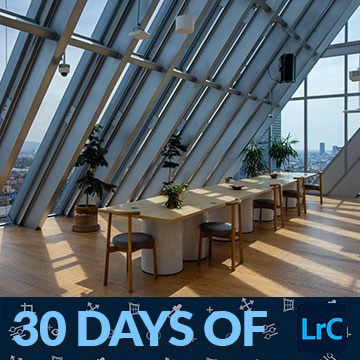
An HDR merge exists because your eyes handle a wider range of brightness than any sensor. Merge two bracketed raws and you get one file with all of it.
Lightroom | Photo Editing | Medium | 15 mins | 1 video
2 Sample RAW Files

The Remove tool in Lightroom Classic does the boring part of retouching for you. Paint the object, let it generate, then refine what it got wrong.
Lightroom | Object Removal & Cleanup | Medium | 15 mins | 1 video
1 Sample RAW File
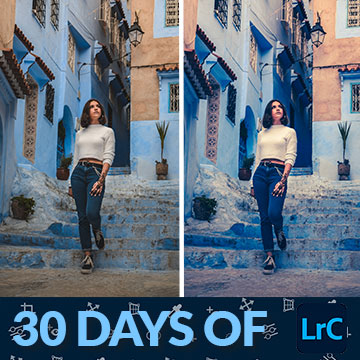
The color grading wheels are the opposite of accurate color: they put a deliberate tint into the shadows, midtones and highlights separately.
Lightroom | Color & Tone | Medium | 15 mins | 1 video
1 Sample Image

The color mixer is what to reach for when color looks flat. Vibrance pushes everything; the mixer lets you move one band of color at a time.
Lightroom | Color & Tone | Medium | 15 mins | 1 video
1 Sample RAW File
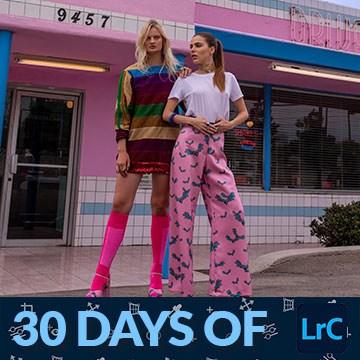
Cropping is the most underrated edit in photography. Deciding what to leave out matters more than anything you do to what stays in the frame.
Lightroom | Tools & Techniques | Medium | 15 mins | 1 video
1 Sample RAW File

One mask on its own is a blunt instrument. Add and subtract masks in Lightroom Classic and you can light exactly the part of the frame you meant to.
Lightroom | Selections & Masking | Medium | 15 mins | 1 video
1 Sample RAW File

Masking is how you stop editing the whole photograph. Lightroom has ten mask types: the automatic ones, the manual ones, and the range masks that read the image.
Lightroom | Selections & Masking | Medium | 15 mins | 1 video
1 Sample RAW File
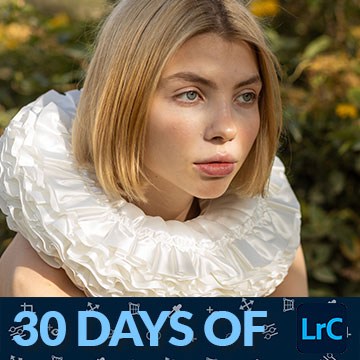
The Basic panel is where almost every edit in Lightroom Classic happens. Read the histogram, work the tone sliders in order, then decide about Presence.
Lightroom | Tools & Techniques | Easy | 30 mins | 1 video
1 Sample RAW File
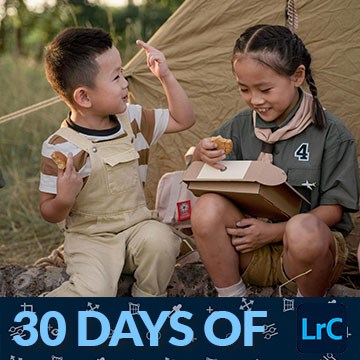
After a shoot you have a selection problem, not a storage problem. Work in rounds: flags to reject, stars to rank, then a smart collection to hold the keepers.
Lightroom | Workflow & Productivity | Easy | 30 mins | 1 video
30 Sample Images

Folders in Lightroom mirror your hard drive; collections group photos across it. Day 2 covers dated project folders, a capture and export structure, and batch renaming.
Lightroom | Workflow & Productivity | Medium | 30 mins | 1 video
30 Sample Images
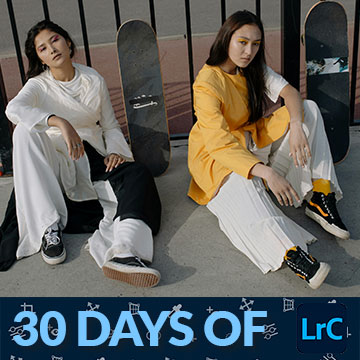
Day 1 of 30 Days of Lightroom Classic: what a catalog really is, how to import photos, the four import options, previews and copyright presets.
Lightroom | Tools & Techniques | Medium | 30 mins | 1 video
30 Sample Images

30 Days of Lightroom is a free 30-part course: catalogs, importing, culling, masking, retouching, color grading, exporting and the mobile app.
Lightroom | Tools & Techniques | Medium | 15 mins | 1 video
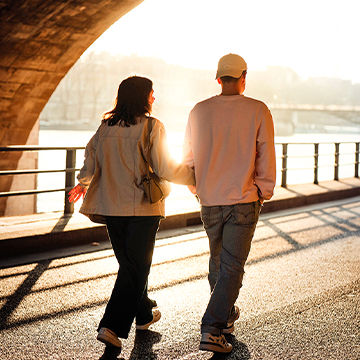
Discover the fastest Photoshop and Lightroom techniques for dramatic improvements: batch processing, dramatic sky replacements, captivating subject highlighting, flawless color correction, AI object insertion, and more!
Photoshop, Lightroom | Workflow & Productivity | Medium | 1.5 hours
21 Sample Images | 4 Sample PSDs

How to apply graphics to a photo in Photoshop: drop a white background with Multiply, extract and knock out text, then recolor the artwork so it matches.
Photoshop | Compositing | Medium | 15 mins | 1 video
2 Sample Images | 1 Sample PSD | 1 PDF Guide
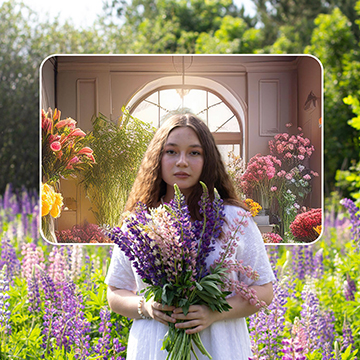
How to use the Frame Tool in Photoshop: build a frame from any shape, fill it with a photo, move frame and image separately, then add a stroke.
Photoshop | Text & Graphic Design | Easy | 15 mins | 1 video
2 Sample Images | 1 Sample PSD | 1 PDF Guide
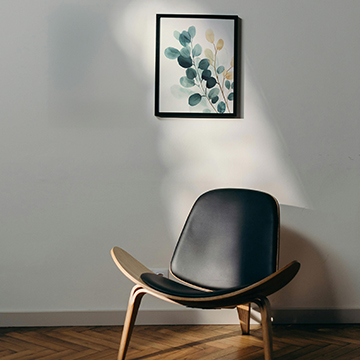
How to use Smart Objects in Photoshop: convert a layer, scale it without losing quality, build a composite, and swap the contents later without redoing the work.
Photoshop | Tools & Techniques | Medium | 15 mins | 1 video
9 Sample Images | 1 Sample PSD | 1 PDF Guide

Ready to start learning Photoshop but unsure where to start? This is the course for you! Master Aaron’s top 10 tools and techniques that will help you confidently tackle any Photoshop project.
Photoshop | Tools & Techniques | Medium | 4.25 hours
21 Sample PSDs | 36 Sample Images (JPEG) | 1 Sample Image (RAW)
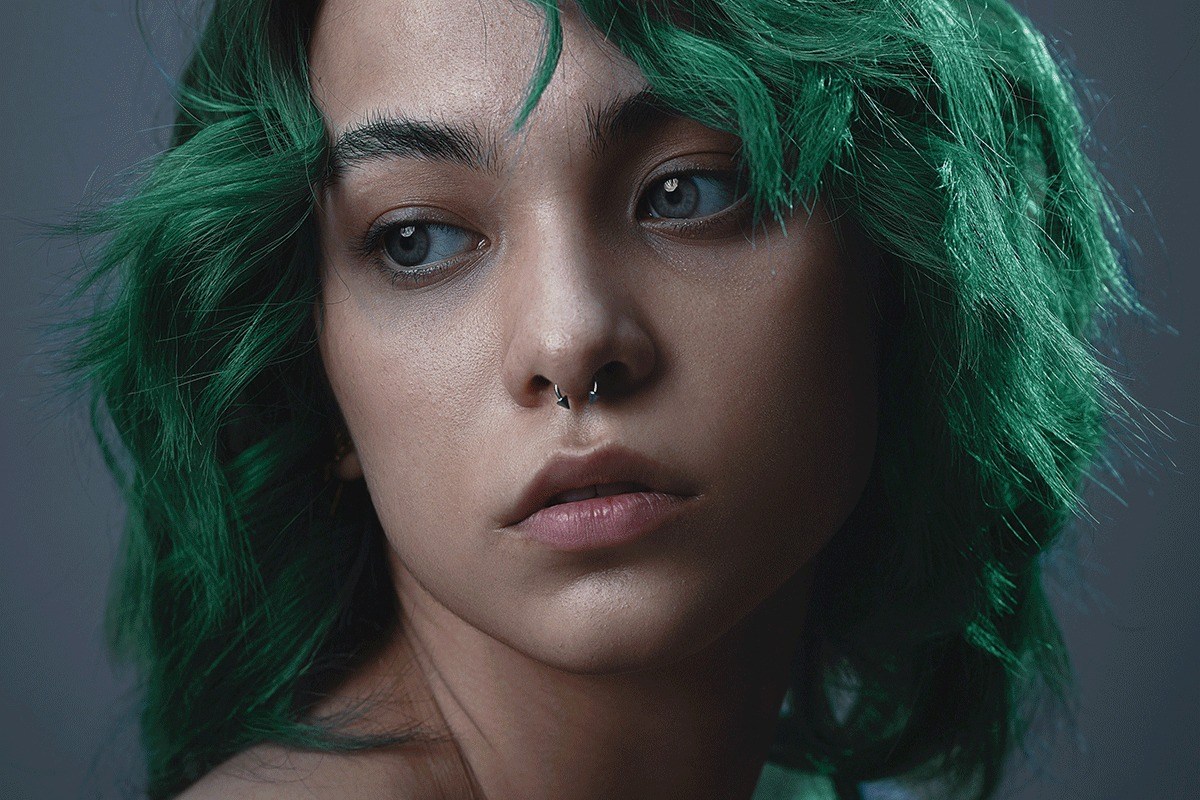
How to create and use layer masks in Photoshop: build a mask from a selection, refine the edge, copy it to another layer, unlink it, and mask a whole group.
Photoshop | Tools & Techniques | Medium | 15 mins | 1 video
2 Sample Images | 1 Sample PSD | 1 PDF Guide

How to straighten and expand a crop in Photoshop: level the horizon with the Crop and Straighten tools, then rebuild the empty corners with Generative Expand.
Photoshop | Tools & Techniques | Easy | 15 mins | 1 video
2 Sample Images | 2 Sample PSDs | 1 PDF Guide