PHLEARN Downloads
Lightroom Presets, LUTs, Photoshop Actions & Brushes
Every preset, LUT, action, and brush PHLEARN has ever released, in one place. These are the same tools used in our PRO tutorials: one-click color grades for Lightroom Classic and mobile, LUTs that work in Photoshop, Premiere Pro, and After Effects, and Photoshop actions and brushes built for retouching and compositing.
Everything is included with a PHLEARN PRO membership, from $12.99 a month, and every pack comes with sample images and a quick install guide so you can start using it in minutes.
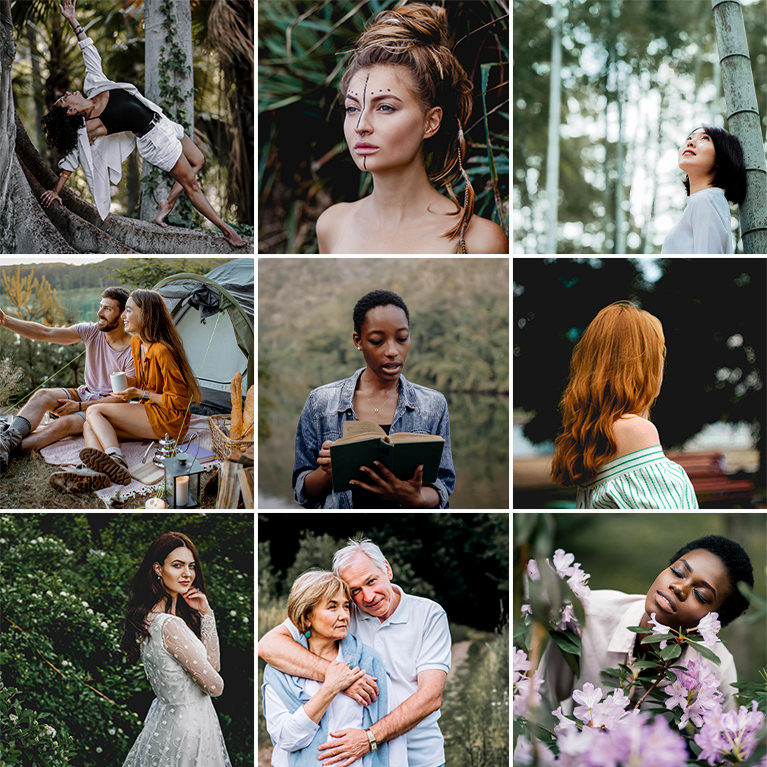
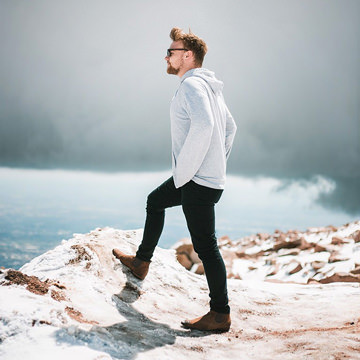

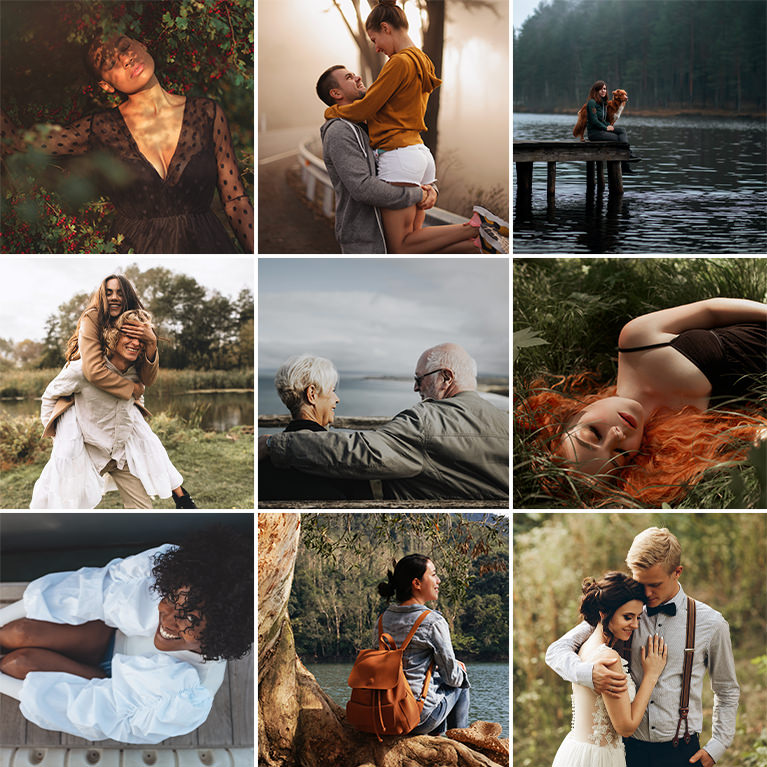
- 600Lightroom Presets in 60 Packs
- 34LUT Packs for Photo & Video
- 8Photoshop Action Sets
- 4Photoshop Brush Sets
- 100%Included with PHLEARN PRO
 60 PacksLightroom PresetsOne-click color grades for Lightroom Classic and Lightroom mobile: portraits, weddings, landscapes, food, film looks, and more.Jump to presets
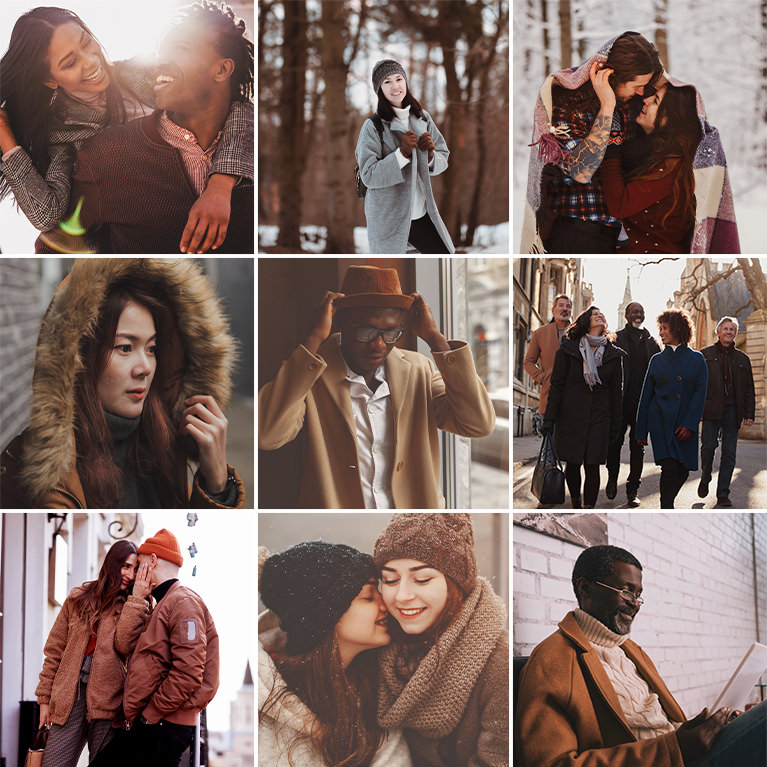 34 PacksLUTs for Photo & VideoColor grading LUTs in .cube format for Photoshop, Lightroom, Premiere Pro, After Effects, and any editor that supports them.Jump to LUTs
 8 SetsPhotoshop ActionsRetouching, sharpening, dodge and burn, light rays, vignettes, and black and white conversions, all recorded as non-destructive actions.Jump to actions
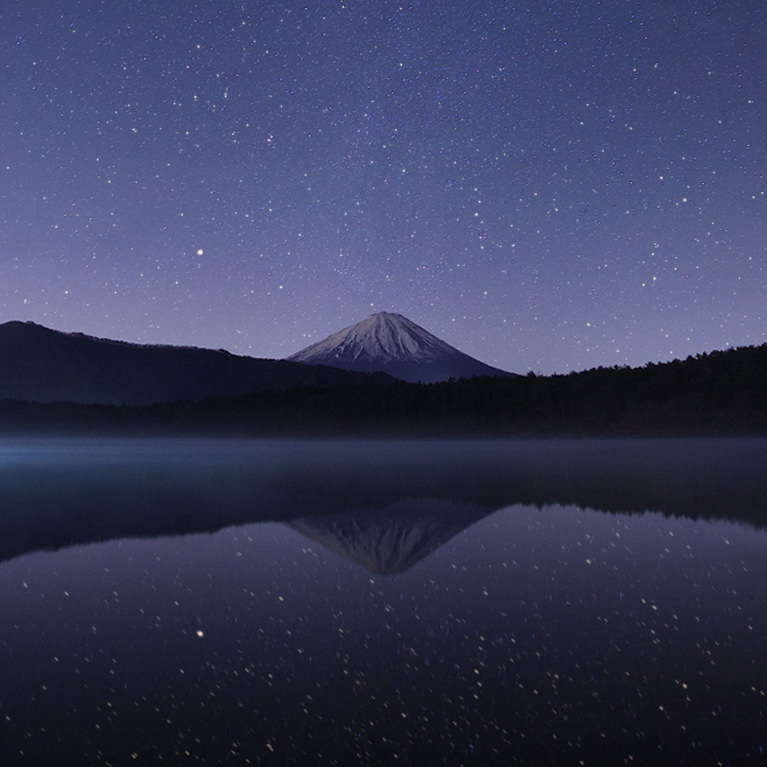 4 SetsPhotoshop BrushesStars, rain, snow, and smoke and fog brushes for adding weather and atmosphere to any composite.Jump to brushes
Lightroom Presets PRO
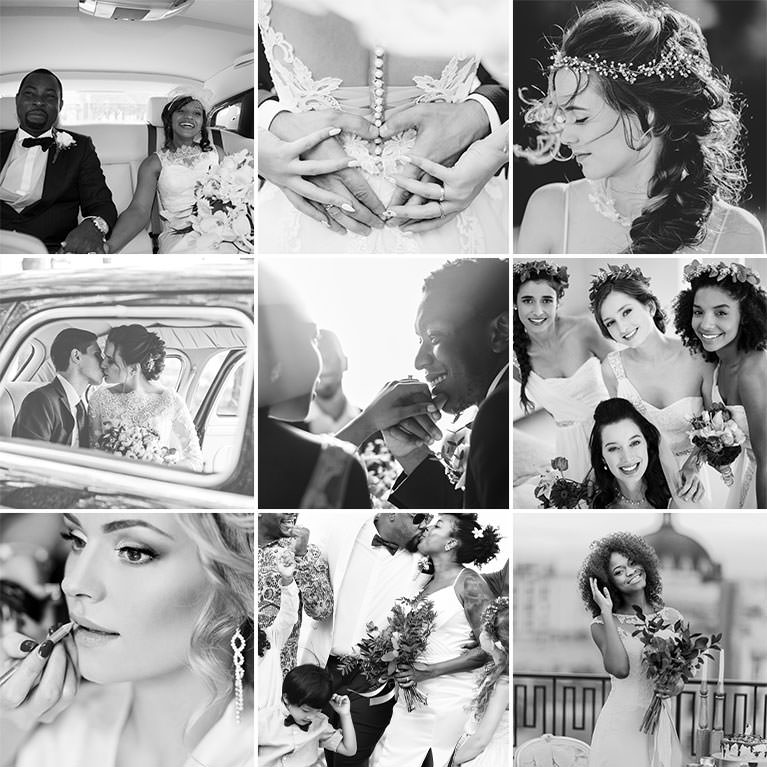
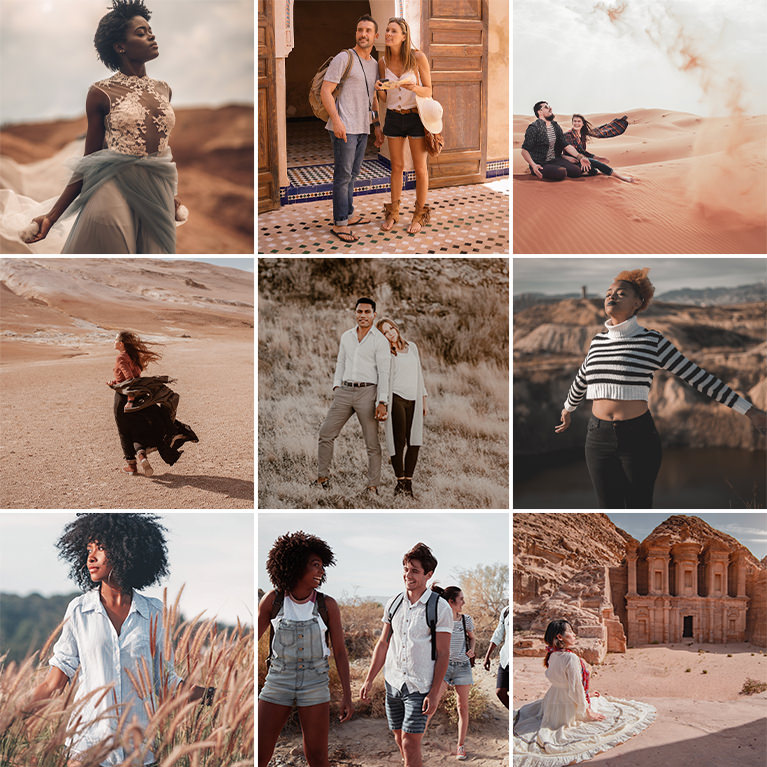
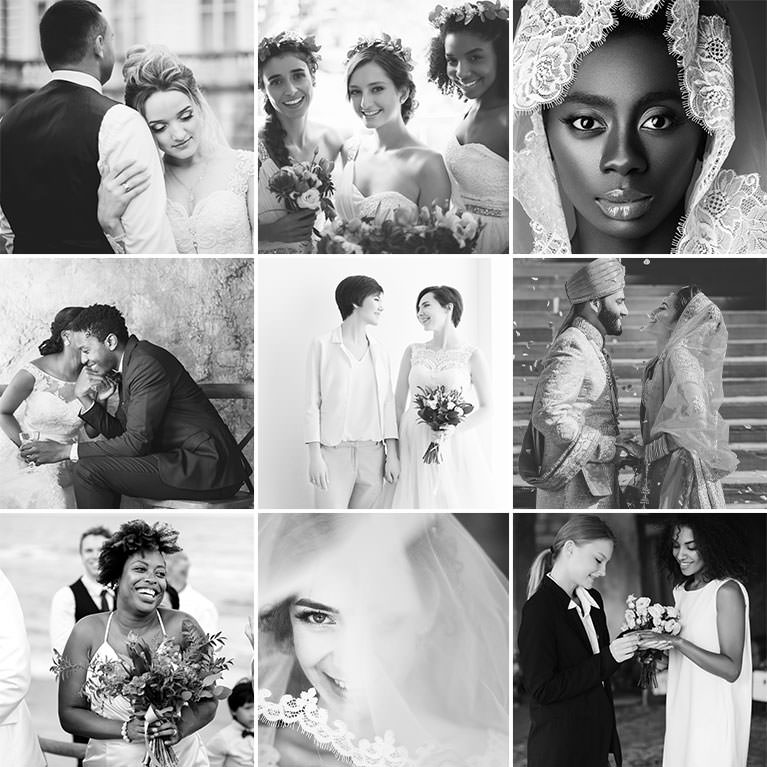
60 packs of one-click presets for Lightroom Classic and Lightroom mobile, built from the same color grades taught in PHLEARN’s coloring tutorials. Moody and dark, bright and airy, film-inspired, black and white, plus packs made for weddings, portraits, newborns, food, travel, and real estate.
Every pack includes 10 presets, 10 sample images to practice on, and install guides for Classic and mobile. Presets stay fully editable after you apply them, so each one is a starting point, not a lock.

All 60 Lightroom preset packs by category
Every pack works in Lightroom Classic, Lightroom desktop, and Lightroom mobile, and every one is included with PHLEARN PRO.
Seasonal
Portraits & Family
Weddings
Travel & Outdoors
Moody, Cinematic & Black and White
- Dark & Moody
- Moody Grey
- Moody Indoor
- Film Noir
- Deep Blues
- Denim
- Urban Style
- Vibrant Blacks
- Black & White
Film, Vintage & Soft
- Film Vibes
- Old Retro
- Matte
- Neutral Airy
- Pastels
- Free Float
- Bohemian
- Cappuccino
- Honey
- Brown Daze
- Vibrant Brown
- Peachy Tones
Bright & Clean
Food, Product & Real Estate
Lightroom Presets View All »


LUTs for Photo & Video PRO
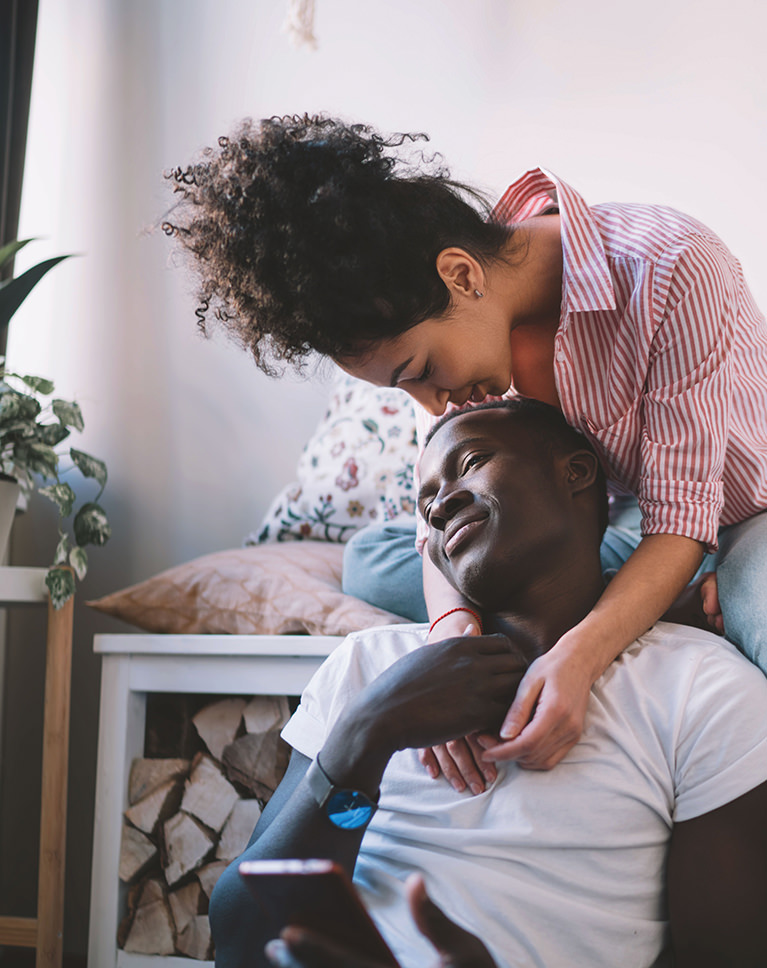
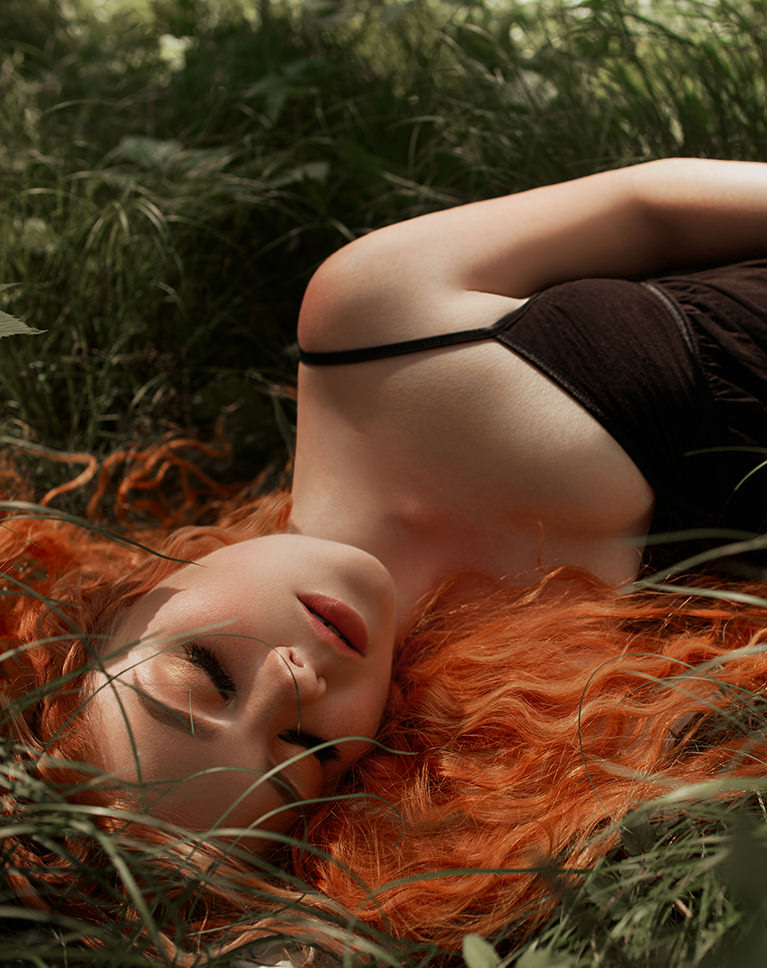
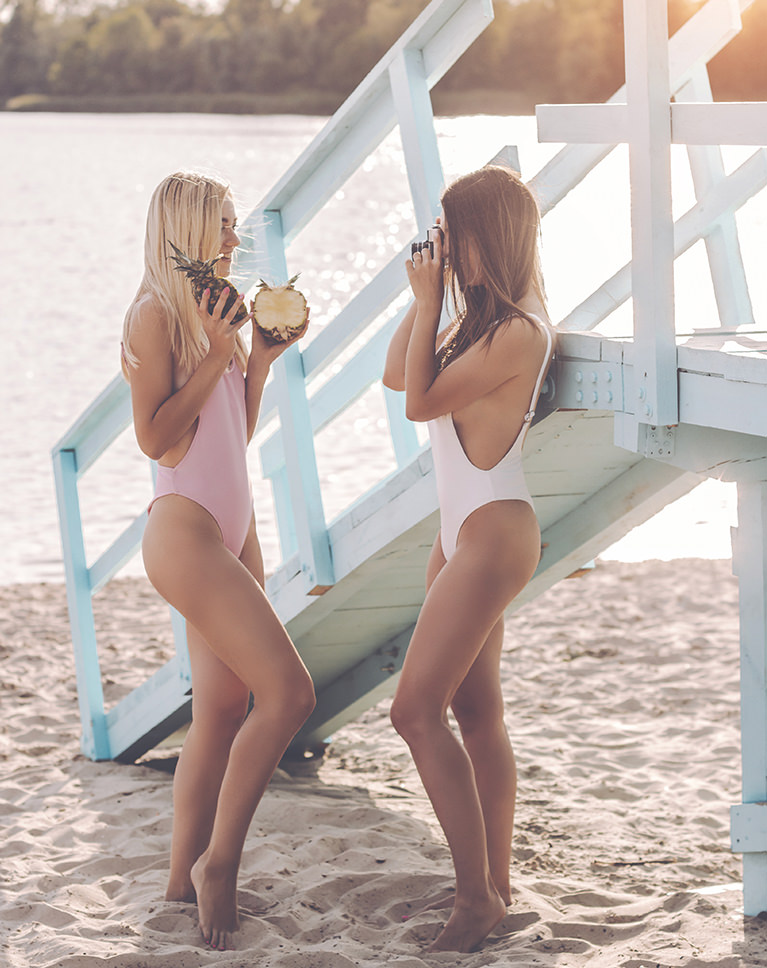
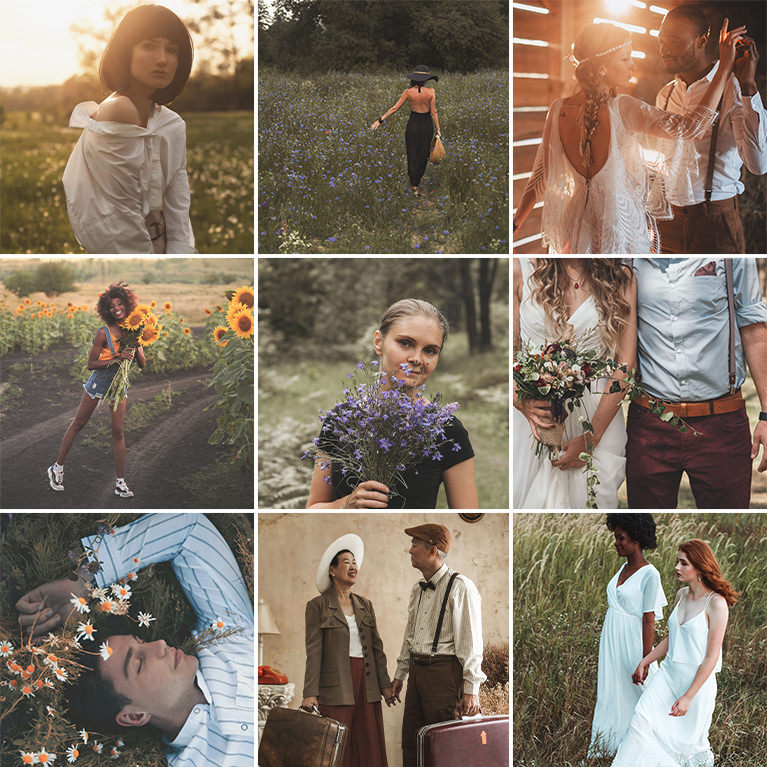
34 packs of color grading LUTs that give photos and video the same look with a single click. Cinematic tones, film noir, warm and cool grades, wedding-ready packs, and moody black and whites, all built around the looks taught in PHLEARN’s coloring tutorials.
Each pack ships as standard .cube files, so the same LUT works in Photoshop, Lightroom, Premiere Pro, After Effects, DaVinci Resolve, and Final Cut Pro. Apply one for an instant starting grade, then fine-tune from there.




Photoshop Actions PRO
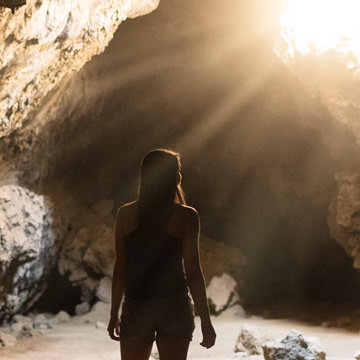
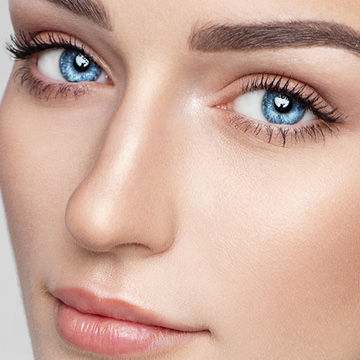
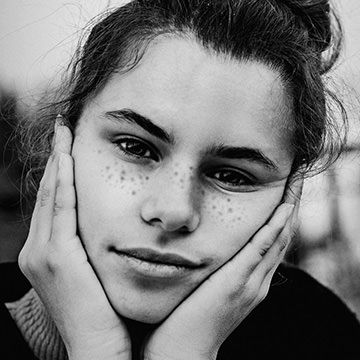
Eight sets of Photoshop actions for the retouching and effects work covered in PHLEARN tutorials: frequency separation, dodge and burn, smart sharpening, amazing eyes, light rays, sun flare, smart vignettes, and black and white conversions.
Every action builds its result on separate, editable layers, so you get the finished effect in seconds and keep full control to adjust it afterward. Load them once and they are ready in the Actions panel for every future edit.



Photoshop Brushes PRO
Four brush sets for adding weather and atmosphere to a composite: stars, rain, snow, and smoke and fog. They are the same brushes used in PHLEARN’s compositing and special effects tutorials, made from real photographed elements rather than digital noise.
Load a set into Photoshop’s Brushes panel and paint each effect onto its own layer, then adjust size, opacity, and flow like any other brush. Each set comes with a tutorial showing how to make the effect look believable.

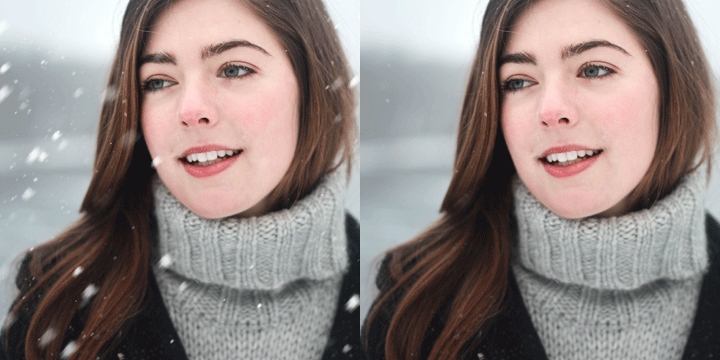

Free Sample Packs Free
Want to test the workflow before joining PRO? These two packs are free for anyone to download, no account required.
 Free DownloadLightroom Presets: Free 10 PackTen presets for Lightroom Classic and mobile, with sample images and install guides included.Get the free presets
 Free DownloadLUTs for Photo & Video: Free 5 PackFive .cube LUTs that work in Photoshop, Lightroom, Premiere Pro, and After Effects.Get the free LUTs
How to Install
Each guide walks through every step with screenshots and a short video. Most installs take a couple of minutes.
PHLEARN PRO
Every Download, Plus Every PRO Tutorial
A PHLEARN PRO membership includes all 60 preset packs, 34 LUT packs, 8 action sets, and 4 brush sets, alongside the full library of PRO tutorials that show you how to use them.
- Download as many packs as you want, as often as you want, for as long as you are a member
- Use them on personal and client work, with no per-project limits
- New presets, LUTs, and tutorials are added regularly at no extra cost
Join today from $12.99 a month or $99.99 a year and start downloading right away. Cancel anytime.
Common Questions
Do I need Photoshop or Lightroom to use these downloads?
Presets require Lightroom Classic, Lightroom desktop, Lightroom mobile, or Adobe Camera Raw. LUTs are standard .cube files and work in Photoshop, Lightroom, Premiere Pro, After Effects, DaVinci Resolve, Final Cut Pro, and most other editors. Actions (.atn) and brushes (.abr) are Photoshop-only.
Do the presets work in Lightroom mobile?
Yes. Every preset pack ships with a mobile version, and the install guide covers iPhone and Android alongside Lightroom Classic and Lightroom desktop. Once a pack is installed, the same looks are available on every device you sign in to.
How do I install them?
Follow the step-by-step guides for Lightroom presets, LUTs, Photoshop actions, and Photoshop brushes. Each one walks through every step with screenshots and a short video, and every download also includes a quick install guide inside the zip file. Most installs take a couple of minutes.
What is inside each pack?
Preset packs include 10 presets for Lightroom Classic and mobile, 10 sample images to practice on, and install guides. LUT packs ship as .cube files that work in any editor that supports LUTs. Action sets are .atn files for the Photoshop Actions panel, and brush sets are .abr files for the Brushes panel. Every pack comes with a tutorial that shows how it was made and how to use it.
Why does a preset or LUT look different on my photo?
Presets and LUTs apply the same adjustments to every image, but every image starts from a different exposure, white balance, and light. Treat each one as a starting point: apply it, then fine-tune exposure and white balance to taste. Everything stays fully editable after you apply it, so nothing is locked in.
What is the difference between the free and PRO downloads?
The free sample packs are a small taste of what is available and are open to anyone, no account required. The full preset, LUT, action, and brush libraries are part of a PHLEARN PRO membership, alongside every PRO tutorial.
How much does PHLEARN PRO cost?
PRO is $12.99 a month or $99.99 a year, and both plans include every download on this page plus the full PRO tutorial library. You can cancel anytime, and every plan is backed by a 100% money-back guarantee. See the PRO plans.
Where do I find my downloads after I join PRO?
Open any pack on this page and use the download button on its tutorial page, or go to Orders & Downloads in your account. You can re-download any pack as many times as you like while your membership is active.
Is there a download limit?
No. PRO members can download as many packs as they want, as often as they want, for as long as they are a member. New presets, LUTs, and tutorials are added regularly at no extra cost.
Can I use these on client work?
Yes. PRO members can use every preset, LUT, action, and brush on personal and commercial projects. The files themselves cannot be resold or redistributed.